How to Clean a Gaming Chair: Upholstery and Artwork Care
Learn how to clean a gaming chair by checking its care label, removing dust, treating spills, and protecting upholstery and printed panels.

Written by
San
San covers custom gaming chair design, ergonomics, materials, sizing, setup ideas, and buying details for players who want comfort with a personal look.
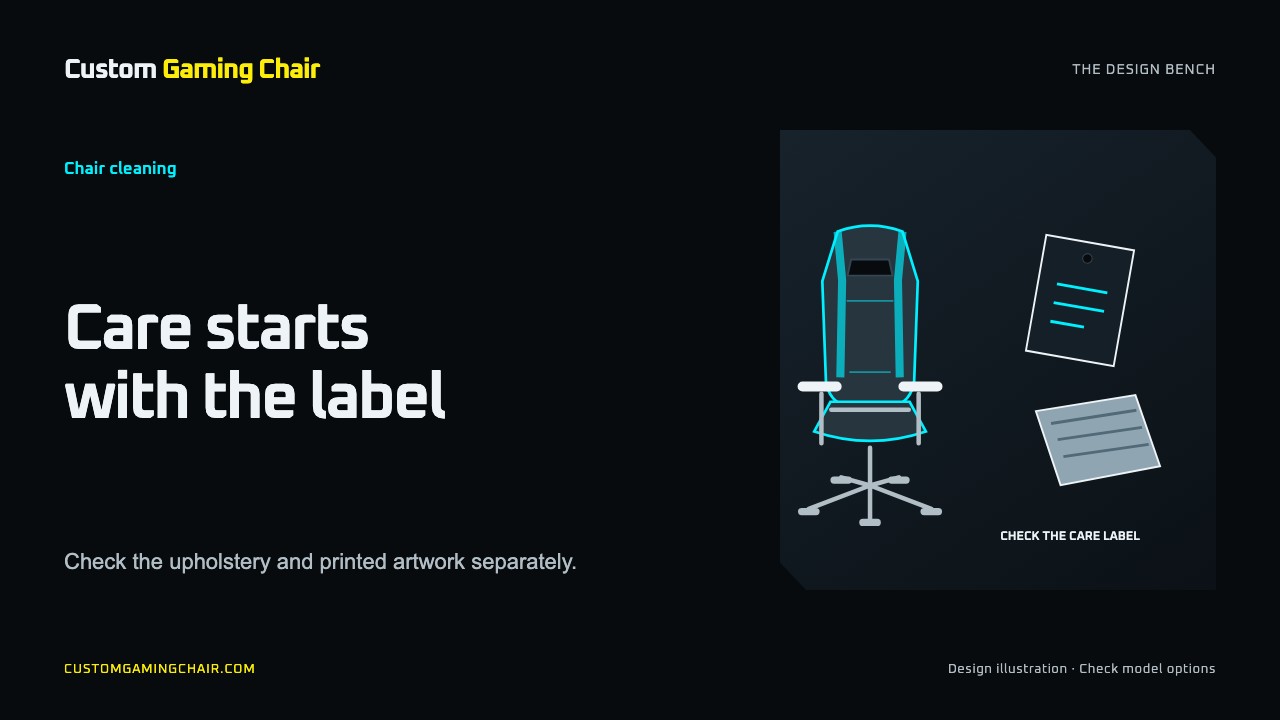
To clean a gaming chair, first identify its upholstery and read the care instructions for that model. Remove loose dust, deal with spills using the approved method, and let any cleaned areas dry fully before sitting down. For a custom chair, check the instructions for the printed panels as well as the material underneath them.
A bottle labelled "upholstery cleaner" is not enough information to choose a treatment. Keep the chair's instructions beside you and work on one surface at a time. This guide explains what to check before you reach for a cleaner.
1. Find the material and its cleaning instructions
Look at the label, order details, product page or manual. A smooth surface could be PU, PVC or leather, and the seat and backrest may use different materials. If you cannot identify the surface, ask the seller before using a liquid treatment. Our chair material guide explains the material names; it does not mean every model offers every material.
Some upholstery has a cleaning code. If your chair displays one, use it alongside the full care instructions:
| Code | What it tells you |
|---|---|
| W | Use an approved water-based upholstery treatment; do not saturate the fabric. |
| S | Use a compatible dry-cleaning solvent; do not substitute water. |
| WS or S/W | Water-based or solvent cleaning may be permitted, subject to the instructions. |
| X | Vacuum or brush lightly; do not apply water or solvent cleaners. |
These meanings are described in Steelcase's surface materials manual. They identify a cleaning category, not a safe concentration, a specific product or approval for a printed decoration. Do not assign a code to your chair based on how it looks.
2. Remove loose debris before treating a mark
Set aside drinks and move the chair where you can see its surfaces clearly. Gather a clean soft cloth, a dry absorbent cloth and any tools allowed by the care instructions. Leave cleaning chemicals unopened until you know which treatment is suitable.
Lift away crumbs and dust gently. Check the join between the seat and backrest, the cushion edges and the armrest tops. Use a vacuum attachment only if the material instructions allow it; avoid dragging a hard nozzle over a printed panel.
Separate ordinary cleaning from a mechanical problem. If the chair rocks unexpectedly, sinks or has damaged parts, use the gaming chair troubleshooting guide to identify the next step. Cleaning the upholstery will not resolve those faults.
3. Choose the method for the exact surface
PU, PVC and other coated upholstery
Confirm the coating and approved products before wet cleaning. For example, Secretlab's aftercare guide advises a water-dampened cloth for its leatherette and warns against alcohol wipes. That guidance belongs to its named materials; it does not approve a cleaner for every synthetic chair or custom print.
Where your instructions permit damp wiping, wring the cloth out and follow the specified method. Treat a remaining stain as a separate question rather than increasing the pressure or trying a stronger chemical.
Fabric upholstery
Check its code before applying water. In its fabric care section, Secretlab recommends vacuuming loose dirt and absorbing fresh spills without rubbing. Use the directions for your own fabric when choosing any further treatment.
For a fresh spill, record what was spilled and when it happened. This helps support distinguish a new liquid mark from an old stain. A persistent mark is a reason to check the approved stain-removal process, not to keep scrubbing the same spot.
Mesh
A mesh back and padded seat may need different methods. Read both sets of instructions before cleaning the whole chair with one product. IKEA's mesh-chair guide recommends gentle dust removal, limited moisture and avoiding hard scrubbing. If damp cleaning is allowed for your mesh, follow its care directions for the cleaner and any residue removal. Leave brushes that snag the weave out of the process.
Leather or an unidentified finish
Use the instructions for that exact material. Do not infer compatibility from the word "leather" on a cleaner bottle. If the label or seller cannot confirm the finish, pause liquid treatment and ask for the care information.
4. Check custom artwork separately
Before treating a printed area, get an answer to this specific question: "Is this cleaner, at this dilution, suitable for this printed panel?" Approval for the base fabric or coating does not answer it.
Send support the order number, a clear photo of the panel and the cleaner's label. Mention any treatment already used. If an approved method requires a test on a hidden area, follow those instructions first; an unprinted underside does not establish compatibility with artwork on the backrest.
Keep liquid treatment away from seams and openings unless the care method specifically permits it. Stop if color appears on the cloth, the finish changes or an edge begins to lift. Do not try to remove peeling with a scrubber. The artwork guide can help you identify the affected panel when describing it to support.
5. Let the chair dry before using it
Follow the drying directions for every surface you treated. Do not cover a damp seat or put a cushion back over it. If the surface still feels wet, leave it unused until dry.
Use ordinary airflow where the instructions permit it. Avoid accelerating the process with a hairdryer: Secretlab warns that high heat can affect its leatherette coating. For mesh, IKEA advises air circulation and avoiding prolonged direct sunlight.
6. Know when to stop and ask
Pause further treatment when you cannot identify the material, a stain survives the approved process, or the finish changes during cleaning. Photograph the area before trying anything else.
For a Custom Gaming Chair order, contact support with:
- Your order number and the affected chair panel.
- Photos in normal light, including a wider view.
- The spill or mark, when it appeared, and any cleaning already attempted.
- The proposed cleaner's full name and label directions.
That gives support something concrete to assess. It also avoids guessing which material, artwork finish or cleaner you mean.
Frequently asked questions
Can I use alcohol or disinfectant wipes?
Use them only when the exact surface instructions approve them. Approval for a hard armrest does not extend to the seat or artwork. Steelcase's cleaning guidance also distinguishes material compatibility from a disinfectant's intended purpose. Do not assume that a stronger cleaner is a better choice.
Can I machine wash a cushion or a cover with a zip?
A zip alone does not establish that the cover is washable or intended to be removed. Find the care label for that separate part and follow its wash and drying instructions. Ask the seller if the label is missing.
What should I do if there is no cleaning label?
Check the model's manual and order details, then ask the seller for the upholstery and printed-panel care instructions. Do not copy a cleaner recipe from a visually similar chair.
How often should I clean my gaming chair?
Use its care instructions and actual condition to set the routine. Remove visible loose debris and address spills promptly using the approved method. There is no need to apply a chemical treatment every time you dust the chair.
Questions or corrections about this content can be sent to support@customgamingchair.com.
All postsRelated posts
Gaming chair design, materials, sizing, and buying guides.