
THE DESIGN BENCH 001
Your Custom Gaming Chair starts here.
Choose a chair model, select its available colors, and share your logo or artwork. Make the choices that shape your chair.
01 / THE PROCESS
Build a Custom Gaming Chair in three steps.
Start with the current chair options, then send the details needed to review your artwork.
- 01
Choose a model
Compare Custom, Pro, and Pro Max for your design.
- 02
Select colors
Pick from the colors offered on the chair’s product page.
- 03
Share your artwork
Upload your logo or image, or choose to send files by email.
02 / CHOOSE A MODEL
Choose your chair model.
Compare the listed hardware and design options for your Custom Gaming Chair before you decide.
03 / COLOR DIRECTION
Set the tone before the details.
Start with a color direction, then check the available colors for your chair on its product page.
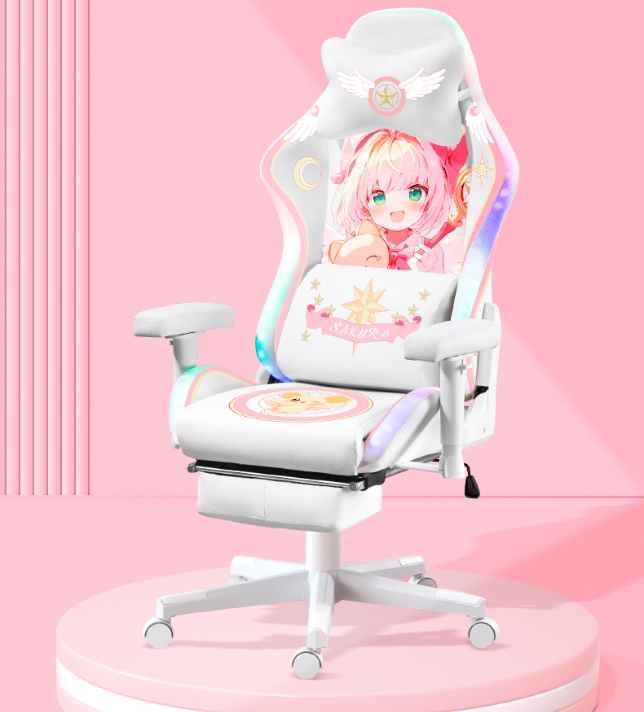
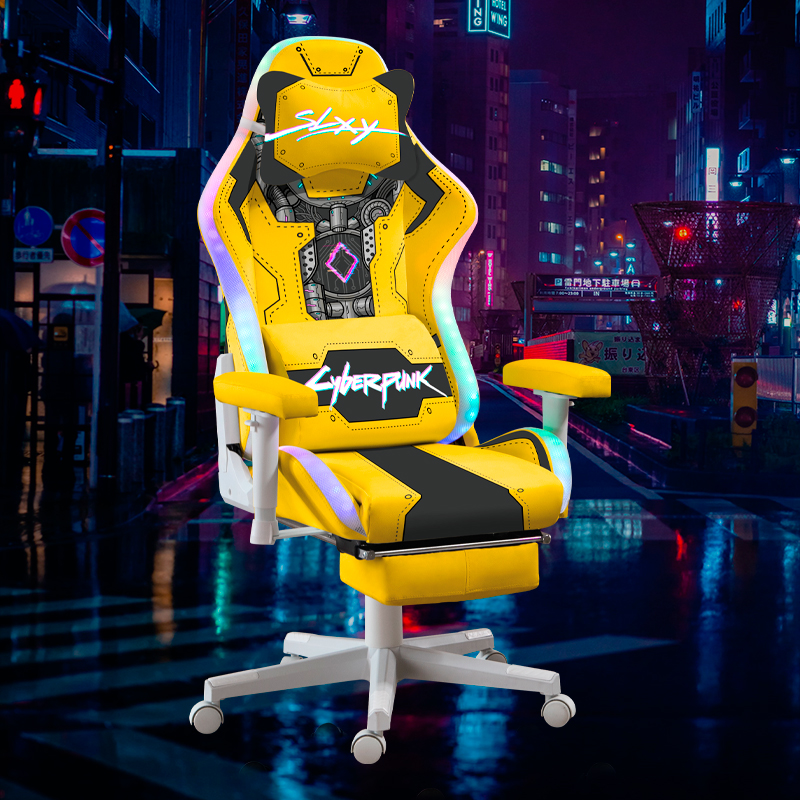
A lighter palette gives the illustration room to lead. Use this example to think about contrast and detail.
04 / PLAN THE DETAILS
Make room for the details that matter.
Decide how the chair will be used before you choose its look. Each product page shows the options available for that model.
Check your fit
Compare the chair size with your desk, seating position, and the space around it.
Choose your options
Review the chair type and other choices shown on your selected product page.
Place the artwork
Think about which parts should carry your logo, name, or image before preparing the final files.
05 / ARTWORK
Add artwork to your Custom Gaming Chair.
Choose how to send your design files. Your selected method stays with that chair in your cart.
Prepare a print-ready fileUpload with the chair
Upload all five required artwork files with the selected chair before checkout. JPG, PNG, WebP, PDF, PSD, TIFF, AI, and EPS are accepted.
Send files later
Choose the email method if your final files are not ready. The artwork is needed before production can begin.
06 / DESIGN NOTES
Make the artwork feel like it belongs.
A clear idea travels further than a crowded chair.
Bring a room photo, a color reference, or a brand mark to your design plan. Think about what should read from across the room and what deserves a closer look.
Read the artwork guide07 / THE COLLECTION
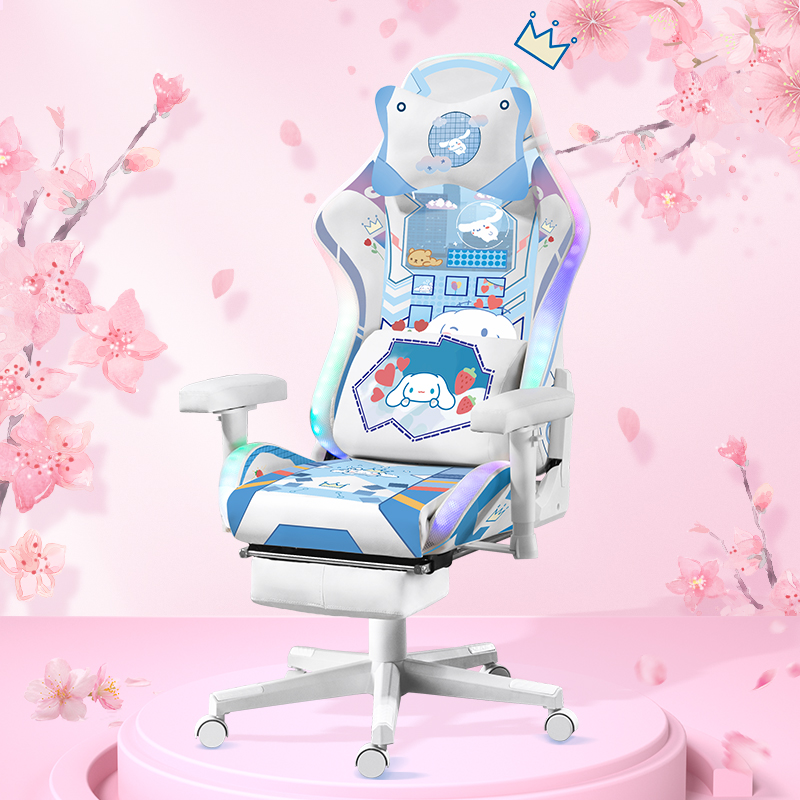
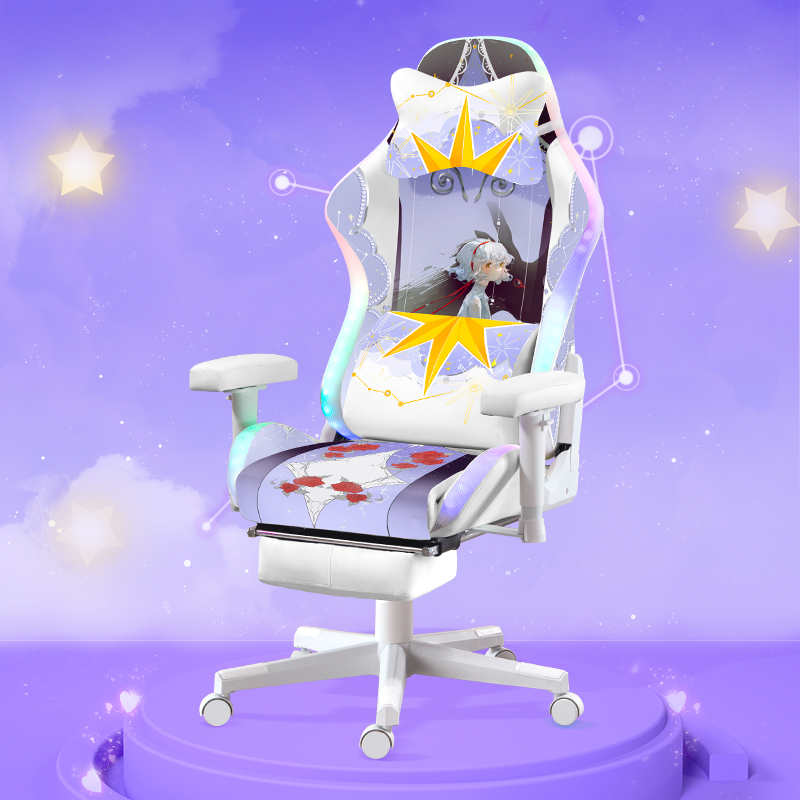
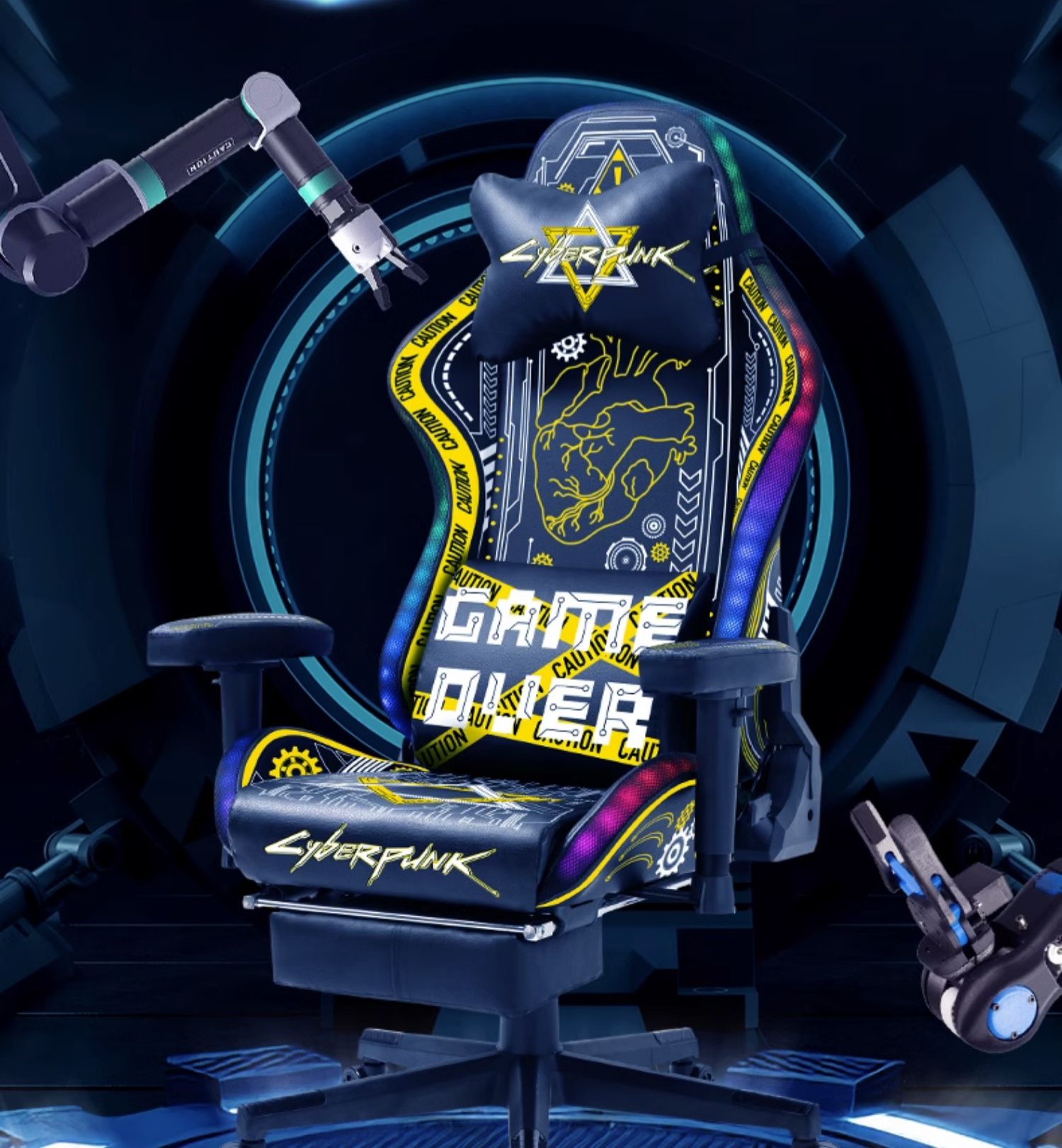
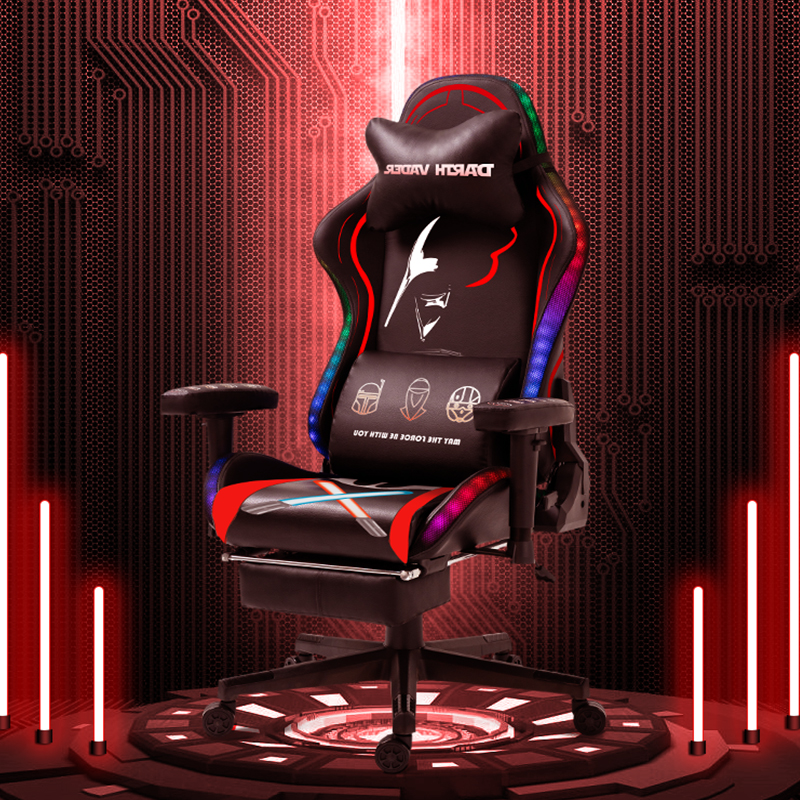
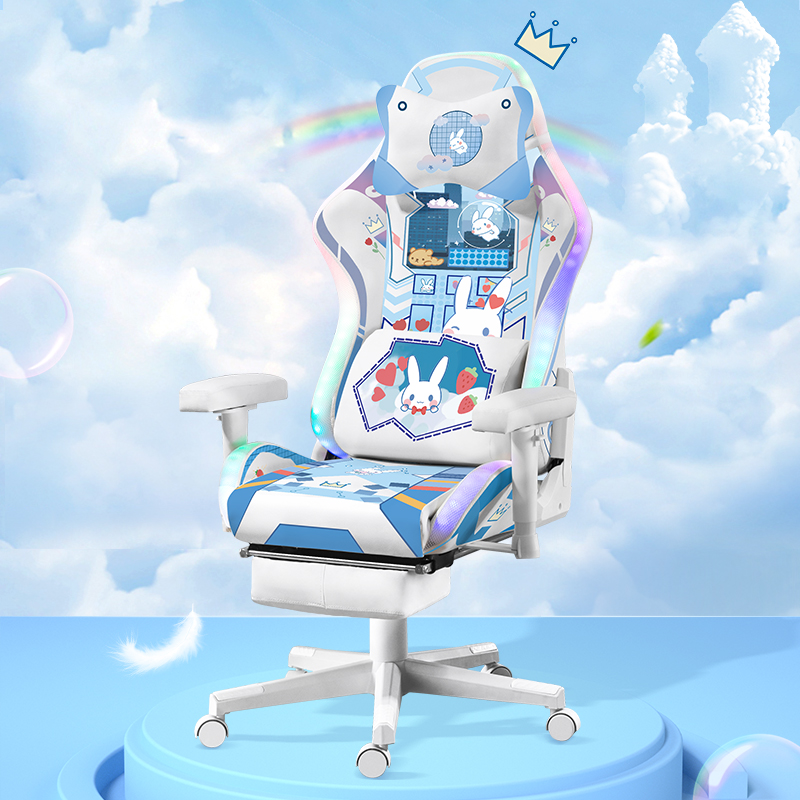
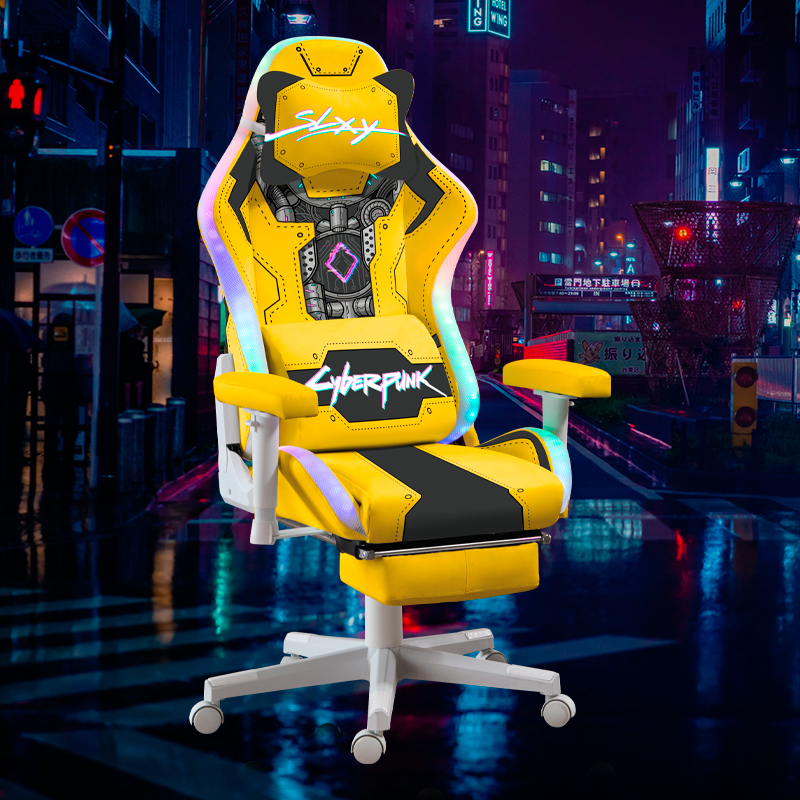
Explore Custom Gaming Chair designs.
Themed chairs from the current catalog. For custom models, use the model selector above.
08 / BEFORE YOU ORDER
Know the details before you order.
Review store policies and common questions. At checkout, you can review shipping and applicable taxes for your address before payment.
09 / QUESTIONS
Take your idea to the chair.
Choose a model to review the exact options. For artwork questions, read the file guide or contact us before ordering.